
1The Problem with Watching Lecture Videos
Watching a 90-minute lecture video is passive learning at its worst. You sit, you listen, you try to keep up — and by the end you have forgotten most of what was covered. If you pause to take notes, a one-hour lecture takes two hours. If you skip the notes, you have nothing to review later.
Research in cognitive science is clear: active recall and spaced repetition are far more effective than passive re-watching. But creating flashcards and practice questions from video takes enormous effort — unless you have the transcript.
2Step 1: Extract the Lecture Transcript
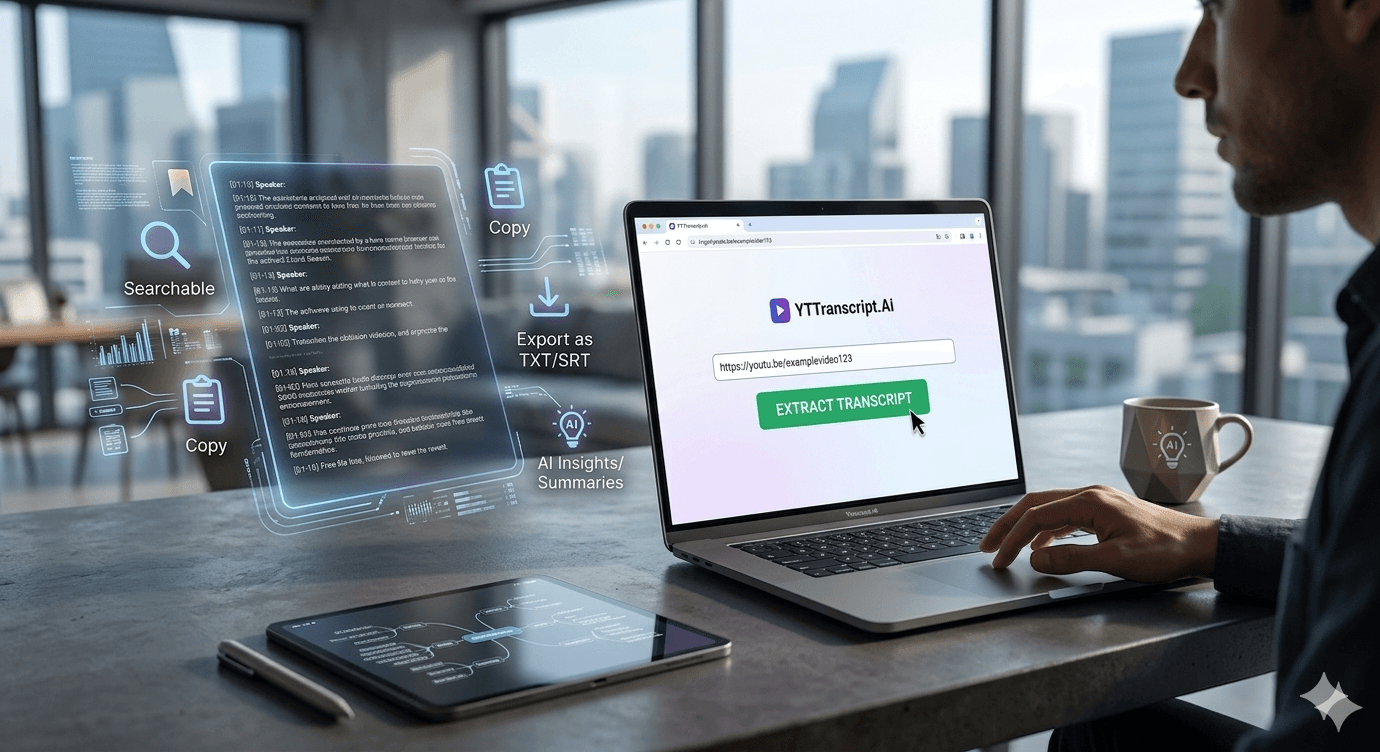
The first step is getting the spoken content out of the video and into text form. Paste any YouTube lecture URL into a transcript tool, and you have the complete text with timestamps in seconds. No more pausing and typing. No more rewinding to catch that one sentence you missed.
The transcript is searchable, so you can find every mention of a specific term, formula, or concept instantly. This alone saves hours during exam prep — instead of scrubbing through a two-hour video to find where the professor discussed mitochondria, you search the text and jump directly to the timestamp.
3Step 2: Generate AI Study Materials
Here is where transcripts become truly powerful. Once you have the text, AI can transform it into:
- A structured study guide with key concepts organized by topic
- Flashcards with questions on the front and answers on the back
- Practice quizzes with multiple-choice questions
- A concise summary highlighting only the most important points
- A visual mindmap showing how concepts connect
Each of these would take 30-60 minutes to create manually. With AI, they are ready in seconds. And because they are generated from the actual lecture content, they cover exactly what your professor taught — not generic textbook material.
Try It Yourself
Paste any YouTube URL below and get the full transcript with timestamps in seconds. Free, no sign-up required.
4Step 3: Review and Export
Export the transcript as a text file to import into your note-taking app — Notion, Obsidian, Google Docs, or whatever you prefer. Combine transcripts from multiple lectures to build a comprehensive study database for the entire course.
During exam week, use the AI summary feature to create condensed reviews of each lecture. Read through the summaries instead of re-watching hours of video. Use the flashcards for spaced repetition practice. Take the quizzes to identify gaps in your knowledge.
Students who adopt this workflow report saving 10-15 hours per week compared to traditional note-taking from video.
5Real-World Example: Medical School
Medical students face an extreme version of this problem: hundreds of hours of lecture content that must be memorized in detail. A growing number of med students are using transcript tools to extract lecture text, generate Anki-compatible flashcards, and create structured study guides from recorded lectures.
The workflow looks like this: watch the lecture once for understanding, extract the transcript, generate flashcards and a study guide, then review the materials using spaced repetition. The transcript becomes the single source of truth — searchable, exportable, and always available.