
1What to Look for in a YouTube Transcript Tool
Not all transcript tools work the same way. Some re-transcribe audio using speech-to-text AI (slow, expensive, less accurate). Others extract existing captions from YouTube's caption system (instant, free, highly accurate). The best tools do the latter.
Key features to evaluate: extraction speed (under 5 seconds is good, under 3 is excellent), language support (100+ languages minimum), export formats (TXT, SRT, and VTT), search capability, AI features (summarization, translation, content generation), bulk extraction, and pricing (a generous free tier matters).
21. YTTranscript.AI
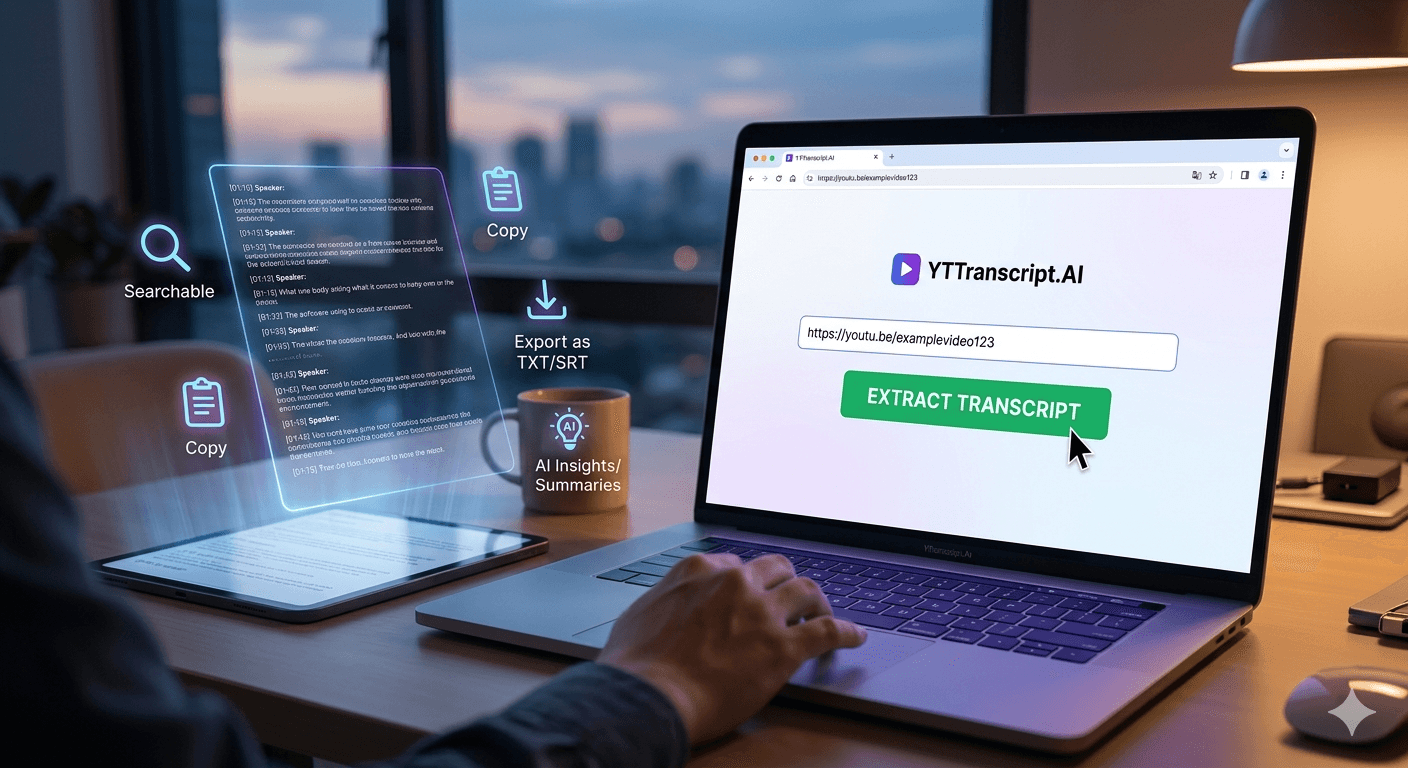
The most feature-complete option available. Extracts transcripts in under 3 seconds by pulling captions directly from YouTube. Supports 100+ languages with auto-detection. Offers full-text search, one-click copy, and export in TXT, SRT, and VTT formats. The AI suite includes nine actions: summary, key points, mindmap, quiz, flashcards, study guide, blog article, clean transcript, and translation.
Pricing: 25 free transcripts per month (no sign-up needed). Plus plan at $9.99/month for 1,000 transcripts and 500 AI actions. Pro plan at $22/month for 3,000 transcripts and 1,500 AI actions.
Best for: anyone who needs more than basic extraction — students, content creators, researchers, and professionals who want AI-powered tools alongside their transcripts.
32-3. YouTube's Built-In Viewer and Google Docs Voice Typing
YouTube's native transcript viewer is free and requires no tools, but it is limited: desktop only, no search, no export, no AI, and messy copy-paste. For quick reference it works; for anything productive, it falls short.
Google Docs voice typing is a workaround where you play the video and let Google Docs transcribe the audio in real time. It is free but painfully slow (real-time speed), inaccurate, and only works for the language you set manually. Not recommended for anyone who values their time.
44-5. Otter.ai and Rev
Otter.ai and Rev are general-purpose transcription services that process audio files. They work for YouTube videos if you download the audio first, but this adds steps and loses the direct connection to YouTube's caption system. Otter.ai offers 300 minutes of free transcription per month with AI summaries. Rev provides both AI and human transcription, with human-reviewed transcripts costing $1.50 per minute.
Both are excellent for transcribing meetings, interviews, and custom audio — but for YouTube specifically, they are slower and more expensive than tools that extract existing captions directly.
56-7. Tactiq and Downsub
Tactiq is a Chrome extension that captures transcripts from live Google Meet and Zoom calls, with a YouTube caption extraction feature added on. It works but is focused on meetings, not YouTube. Downsub is a simple website that downloads YouTube subtitles as SRT or TXT files. It is fast and free but offers no search, no AI, and no bulk features.
For basic subtitle file downloads, Downsub is fine. For anything more — searching, summarizing, generating content, or processing multiple videos — you need a more capable tool.
6The Verdict
If you need fast, accurate YouTube transcript extraction with AI features, search, export, and bulk processing, YTTranscript.AI offers the most complete package with a generous free tier. For general-purpose audio transcription beyond YouTube, Otter.ai is a strong choice. For human-reviewed transcripts where accuracy is critical, Rev delivers professional quality at a premium price.
For most YouTube-specific use cases — studying, content creation, research, journalism, accessibility — a purpose-built YouTube transcript tool is faster, cheaper, and more capable than general transcription services.