
1Why Video Accessibility Matters More Than Ever
Over 430 million people worldwide have disabling hearing loss. Millions more have temporary hearing limitations, auditory processing disorders, or simply watch videos in sound-sensitive environments like offices, libraries, and public transit.
Video content without text alternatives excludes all these viewers. And it is not just an ethical issue — it is a legal one. The ADA, Section 508, WCAG 2.1, and equivalent regulations worldwide increasingly require text alternatives for multimedia content. Universities, government agencies, and businesses with public-facing video content are required to provide transcripts or captions.
2Captions vs. Transcripts: You Need Both
Captions appear on-screen in sync with the video. They are essential for viewers watching the video itself. Transcripts provide the full text separately, allowing viewers to read, search, and navigate the content at their own pace.
For WCAG AA compliance, Level A requires either captions or a transcript. Level AA requires captions. Level AAA requires both captions and a separate transcript. Best practice: provide both. Captions for the in-video experience and a transcript for reading, searching, and referencing.
3How to Create Accessible Transcripts from YouTube Videos
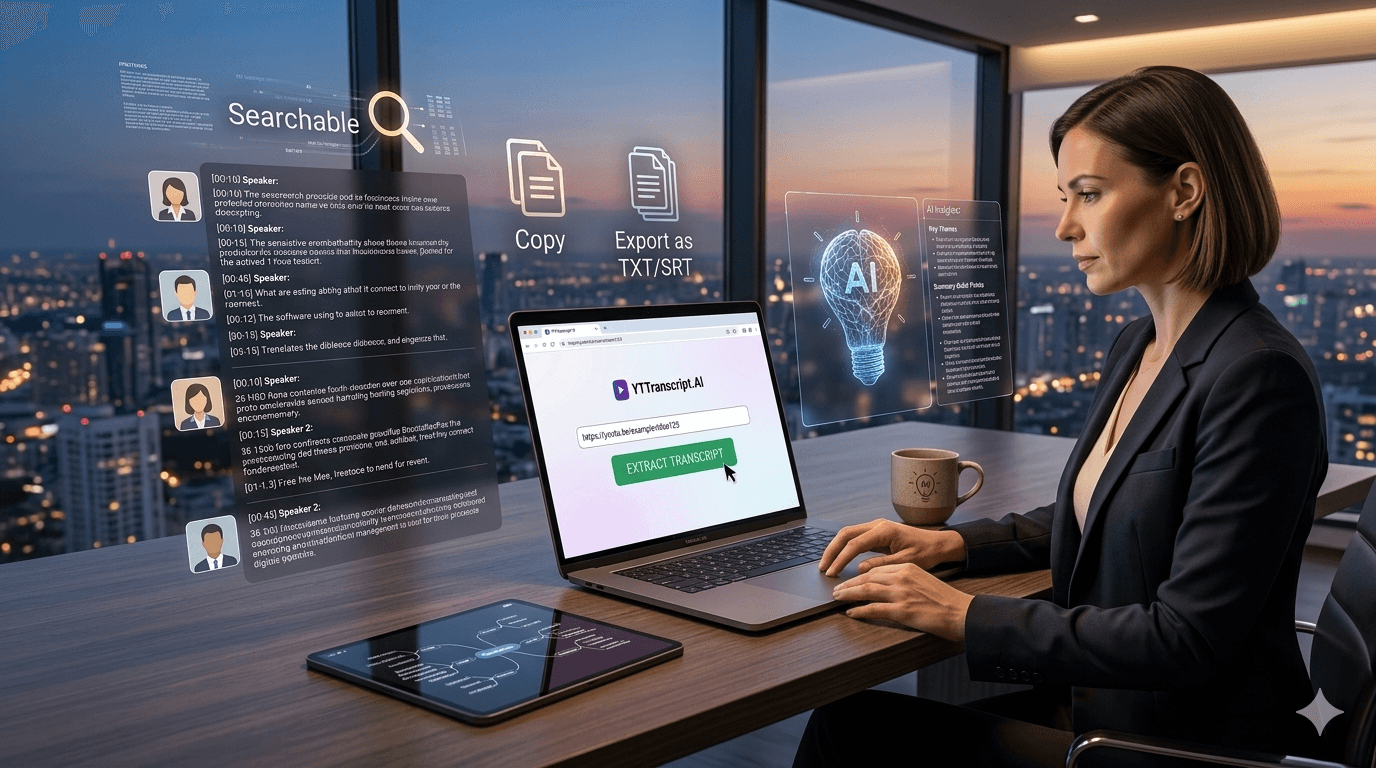
Extract the transcript from the YouTube video. This gives you the complete spoken content with timestamps. Then review the transcript for accuracy — auto-generated captions may have errors with names, technical terms, and accented speech.
For WCAG-compliant transcripts, consider adding descriptions of significant non-speech audio: [music plays], [applause], [phone ringing]. This information is included in professional closed captions but absent from auto-generated ones.
Publish the transcript on the same page as the video, below the video player. This ensures visitors can access it without navigating to a separate page. Include a clear heading like "Video Transcript" or "Full Transcript" so it is easy to find.
Try It Yourself
Paste any YouTube URL below and get the full transcript with timestamps in seconds. Free, no sign-up required.
4Automating Accessibility at Scale
Organizations with large video libraries face a daunting accessibility challenge. Hundreds or thousands of videos need transcripts, and manual transcription is expensive — professional services charge $1-3 per minute of video.
Bulk transcript extraction dramatically reduces this cost. Extract transcripts from entire playlists or channels in a single operation, then review and publish them alongside each video. For most content with clear audio, auto-generated captions are accurate enough for accessibility purposes, especially after AI cleanup.
This approach turns a months-long, multi-thousand-dollar accessibility project into a days-long effort at a fraction of the cost. It is not perfect — human review is still recommended for critical content — but it gets organizations from zero transcripts to comprehensive coverage rapidly.