
1The Meeting Recording Problem
Teams record meetings with good intentions: anyone who missed the meeting can catch up later. In practice, almost nobody watches a one-hour meeting recording. The information is locked inside a video file that nobody has time to sit through.
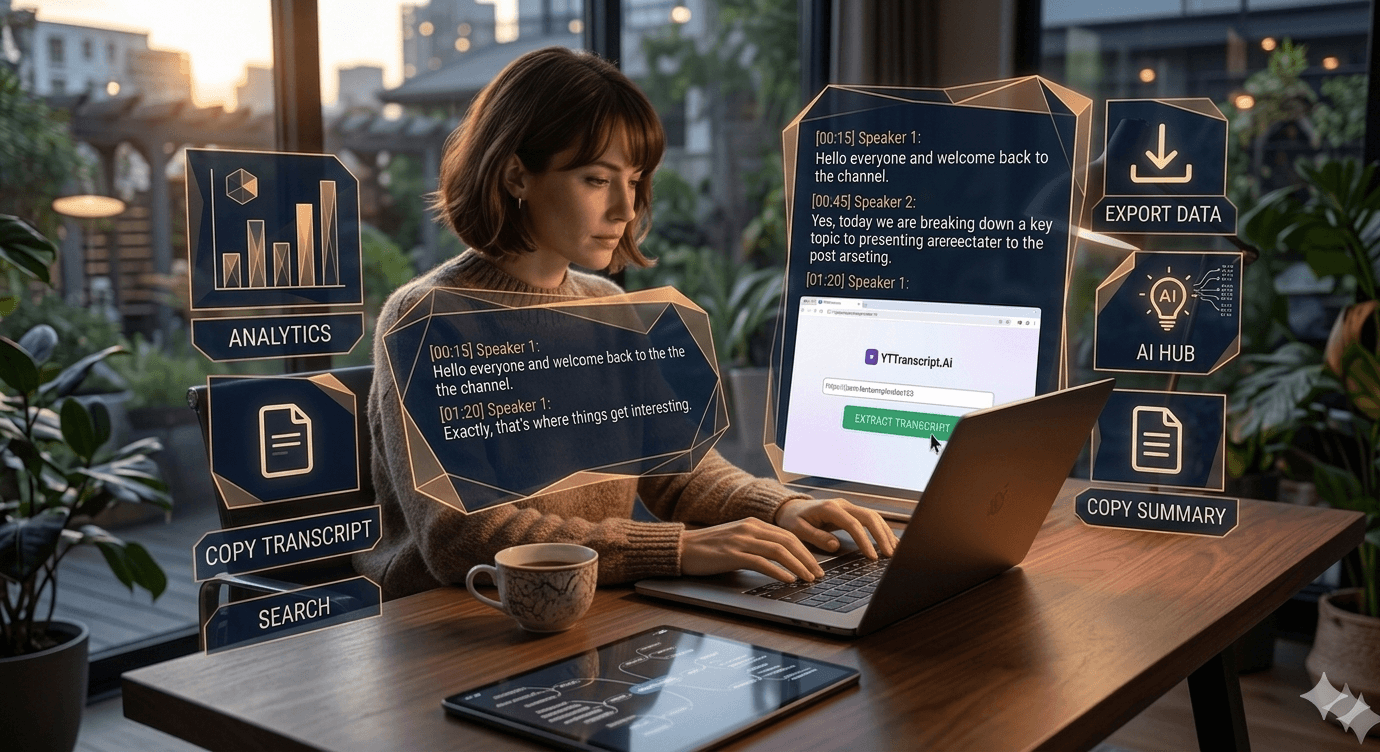
Transcripts unlock that information. Extract the transcript from the recording, and suddenly the meeting content is searchable, skimmable, and actionable. Search for your name to find your action items. Search for a project name to find what was decided. Scan the summary to get the highlights in two minutes instead of sixty.
2From Recording to Action Items
Upload your meeting recording to YouTube (as unlisted if it is sensitive), then extract the transcript. Use the AI Summary feature to generate a concise meeting summary.
The AI identifies key discussion points, decisions made, and action items mentioned during the meeting. The output looks like structured meeting minutes — but generated in seconds instead of written manually by a note-taker.
For recurring meetings (weekly standups, project reviews), this creates an automatic archive of meeting minutes that you can search across to track how decisions evolved over time.
3Tips for Better Meeting Transcripts
Audio quality matters. Meeting recordings with clear audio and minimal crosstalk produce much better transcripts. Tips for cleaner recordings:
Use a dedicated meeting microphone rather than laptop speakers.
Mute participants when they are not speaking.
Avoid talking over each other — the speech recognition system struggles with overlapping speech.
Record in a quiet environment without background noise.
Speak clearly and at a moderate pace.
With good audio, meeting transcripts are accurate enough to use as the official record of the meeting — eliminating the need for a human note-taker entirely.
Try It Yourself
Paste any YouTube URL below and get the full transcript with timestamps in seconds. Free, no sign-up required.