
1Yes, It Works on Your Phone
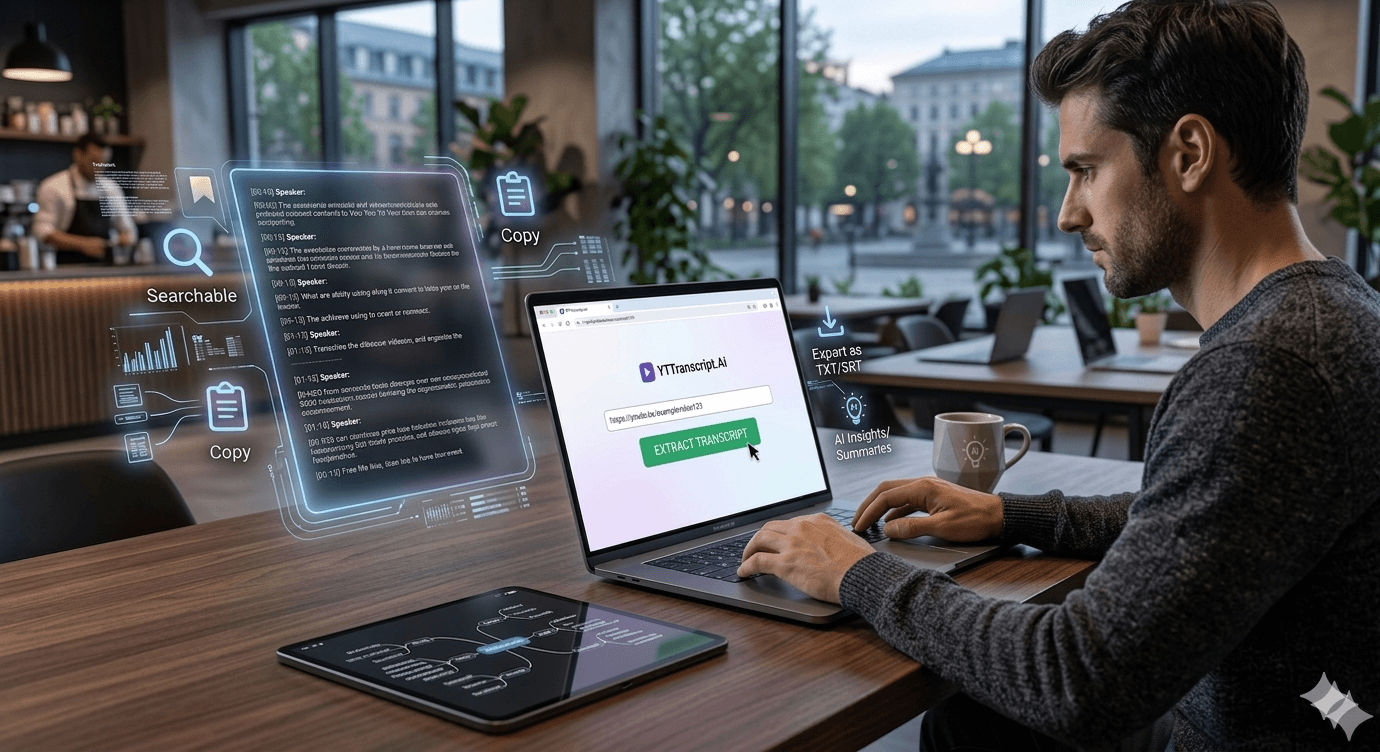
One of the most common questions we get: does the transcript tool work on mobile? Yes — it works in any mobile browser (Safari, Chrome, Firefox, Samsung Internet) on any phone or tablet. No app to install, no account to create.
The entire experience is optimized for mobile screens: the extraction form, the transcript viewer, the search feature, and the export functionality all work just as well on a phone as on a desktop.
2Step-by-Step: Mobile Transcript Extraction
On iPhone:
1. Open the YouTube app, find your video, tap Share, then tap Copy Link.
2. Open Safari (or any browser) and go to the transcript tool.
3. Paste the link into the extraction box and tap Extract Transcript.
4. The full transcript appears in seconds — scroll, search, copy, or export.
On Android:
1. Open the YouTube app, find your video, tap Share, then tap Copy Link.
2. Open Chrome (or any browser) and go to the transcript tool.
3. Paste the link and tap Extract Transcript.
4. Done. Same features as desktop.
The process takes under 10 seconds from copying the link to having the full transcript.
3What You Can Do on Mobile
Everything the desktop version offers is available on mobile:
Search: tap the search icon and type any word to find it in the transcript. Tap a result to see the timestamp.
Copy: long-press to select text, or use the copy-all button to grab the entire transcript.
Export: download the transcript as TXT, SRT, or VTT. The file saves to your phone's downloads folder.
AI features: generate summaries, quizzes, flashcards, and study guides. These are particularly useful on mobile — generate a study guide from a lecture video and review it on your commute.
The mobile-optimized interface means no pinching, zooming, or horizontal scrolling. It is designed to work on a phone screen from the start.
Try It Yourself
Paste any YouTube URL below and get the full transcript with timestamps in seconds. Free, no sign-up required.